

WeChat Pay is one of China’s most widely used payment methods. Restaurants, shops, taxis, street vendors and online services commonly accept it, and international visitors can connect supported foreign cards.
Prepare your passport, mobile number and international bank card. Use the same personal details shown on your passport and card.
Download WeChat and register
Download the official WeChat app from the App Store or Google Play. Open it, tap Sign Up, then choose registration with a mobile number.
- Select your country or region.
- Enter your phone number.
- Verify the number using the SMS code.
- Complete any security steps shown in the app.
Activate WeChat Pay
Open Me → Services → Wallet. If Wallet is not visible, update WeChat to the latest version and confirm that your account region and identity information are complete.
Add an international bank card
Go to Services → Wallet → Bank Cards → Add a Card. Enter your card number, expiry date and personal information exactly as requested.
*Supported cards may vary by country, card issuer and WeChat Pay availability.
Verify your identity
WeChat Pay may ask for your passport details, personal information and a face verification. Follow the in-app instructions and wait for confirmation before attempting a payment.
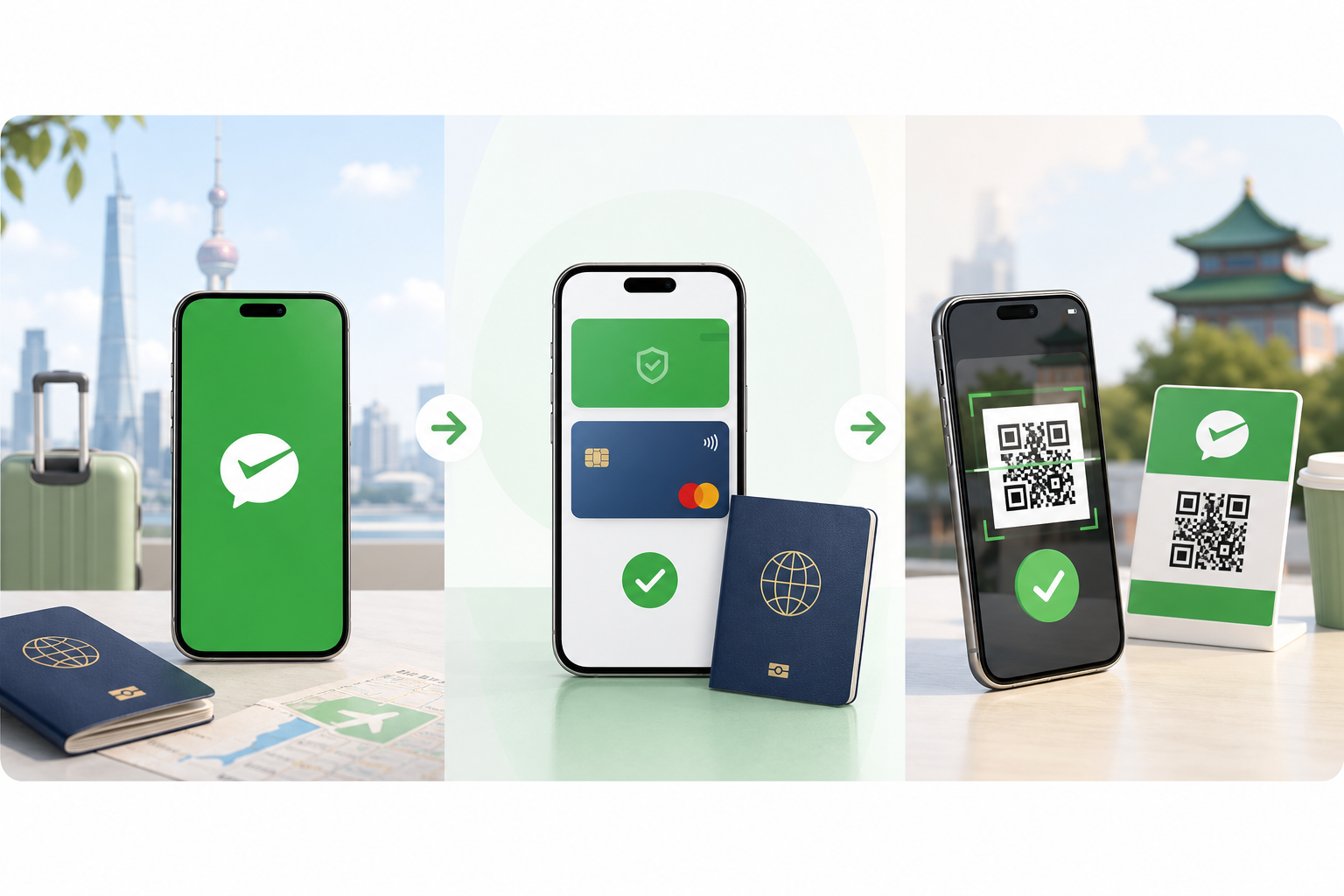
Test WeChat Pay before traveling
A small test payment confirms that your identity, card and bank approval are working together correctly.
How to pay with WeChat Pay
Scan a merchant QR code
Open WeChat, tap the Scan icon, scan the merchant’s QR code and confirm the amount and payment.
Show your payment code
Open Me → Services → Money or the payment-code option. Show the code to the cashier so they can scan it.
Common WeChat Pay problems
Wallet or Services is missing
Update the app, verify your account information and check that payment services are available for your registered region.
Your card is declined
Confirm your identity details, check that online and overseas payments are enabled, try another supported card or contact your bank.
- Keep WeChat updated
- Use matching passport and card details
- Enable overseas transactions
- Keep a backup payment method
Final WeChat Pay checklist
- Install and update WeChat
- Register with your mobile number
- Activate Wallet and verify your passport
- Add a supported international card
- Complete a test payment
- Prepare Alipay or some RMB as backup