

Most restaurants, taxis, shops and attractions in China accept mobile payments through Alipay. The good news is that foreign visitors can now connect many international credit and debit cards—no Chinese bank account required for everyday payments.
Have your passport, mobile phone and international bank card ready. Complete setup while you still have reliable access to SMS and your banking app.
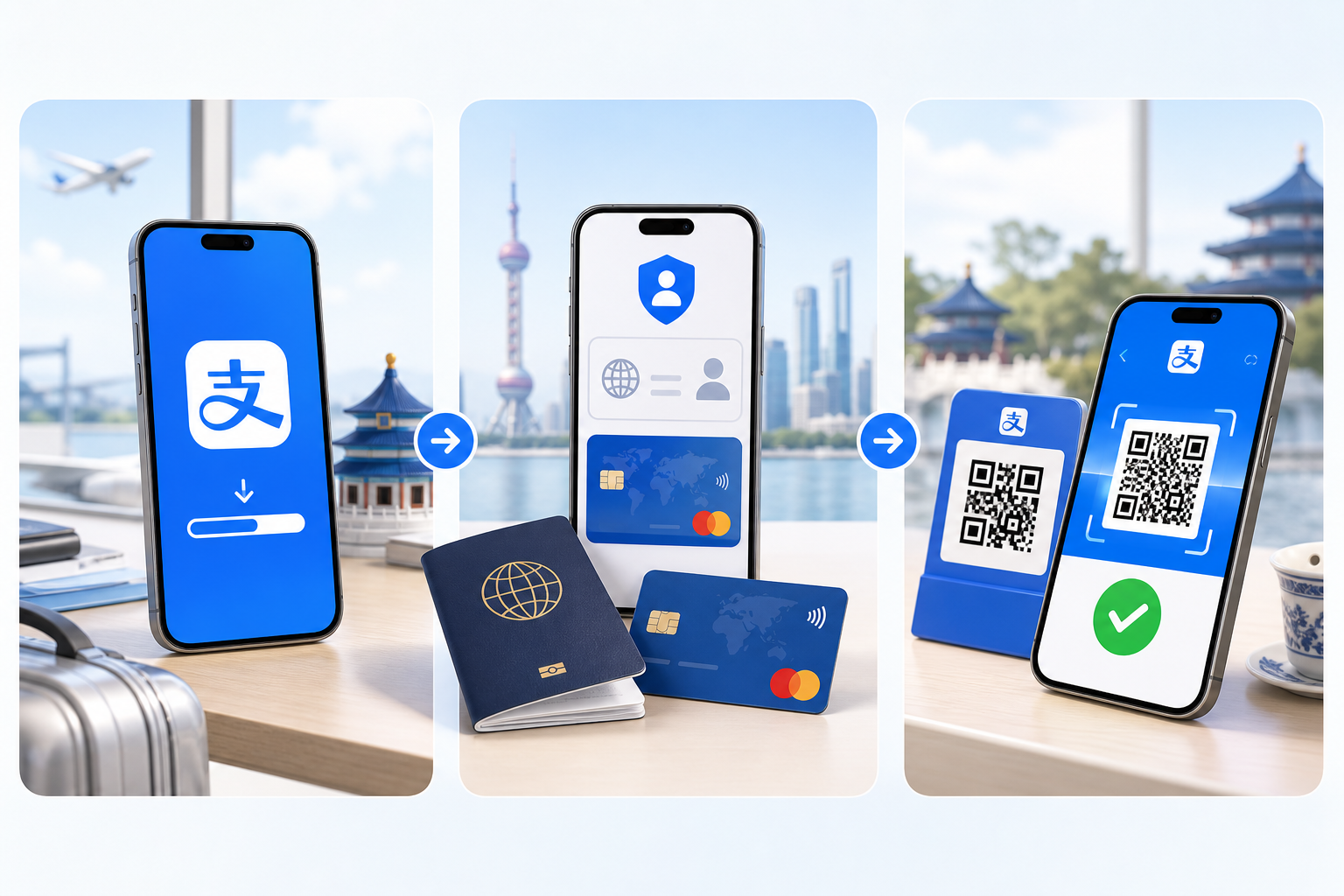
Download Alipay and create your account
Download the official app
Open the App Store on iPhone or Google Play on Android. Search for Alipay and download the official app, listed as “Alipay – Simplify Your Life.”
- Open Alipay and tap Sign Up.
- Select your country or region.
- Enter your mobile number and verify it with the SMS code.
- Create a secure password for your account.
Verify your identity
Alipay may request identity verification before you can use payment features. Go to Account → Settings → Identity Verification, select Passport, upload the photo page and complete the face check. This usually takes only a few minutes.
- Valid passport
- Your face for verification
- Personal information matching your passport
Add your international bank card
Open Me → Bank Cards → Add Card. Enter the card number, expiry date and security code, then follow your bank’s verification process.
*Card support and availability can vary by issuer and region.
Test your Alipay payment before traveling
Do not wait until you land to discover a card or verification issue. Make a small test payment while you can still contact your bank easily.
How to pay with Alipay in China
Scan the merchant’s QR code
At a restaurant, taxi or shop, tap Scan, scan the displayed code, enter the amount if needed and confirm payment.
Show your payment code
Some stores scan your code. Tap Pay, show the payment QR code to the cashier and wait for confirmation.
Common Alipay problems
“Payment failed”
Common causes include incomplete card verification, a bank security block, Alipay risk controls or an unsupported card.
- Complete identity verification
- Try another supported card
- Tell your bank you are traveling
- Contact your bank if the transaction is blocked
Can foreigners use Alipay without a Chinese bank account?
Yes. Many visitors can make everyday payments with an international card. Some advanced financial features may still require a Chinese bank account.
Before-travel checklist
- Download the official Alipay app
- Verify your passport and identity
- Add an international bank card
- Complete a test payment
- Save your hotel address in Chinese
- Prepare mobile internet or an eSIM